

3·
před 2 hodinamiI hear that. Ironically, I really appreciated the cloud cover when I was up on the roof two weeks ago installing my panel array. Those clouds were okay but now that I’m done, I’d appreciate if they only come out at night lol.

I’m beautiful and tough like a diamond…or beef jerky in a ball gown.
– Titus Andromedon
I hear that. Ironically, I really appreciated the cloud cover when I was up on the roof two weeks ago installing my panel array. Those clouds were okay but now that I’m done, I’d appreciate if they only come out at night lol.


Had to go out of my way to find the Betty White one.
I’ve never heard of any studies definitively proving that Parmesan cheese shrinks people.

It’s so prevalent we can literally say “I’ll verb your noun” and it still gets the point across.

Yeah, I should get one of those, lol, but I generally don’t need one since I do most of my work on the ground and near a table or bench or something. This is the first, and probably only, time I will ever be doing work on the roof. Plus, I was the only one home today so unless some religious proselytizers show up, no one would be in the fall zone.

We do, though it is a recent thing.

I watched the whole series and did enjoy most of it, so keep that in mind because this is going to sound really, really critical.
Liked the premise but I feel like it just jumped the shark multiple times, kept going, and jumped the shark again every following season.
That said, yes, you’re right that it does explore some interesting topics, but the way they did and kept raising the stakes every season just kind of ruined it. So much of it was just completely implausible even by TV science standards. And they basically rebooted the show in the last few seasons except with Space criminals replacing the grounders as the antagonists.
Conceptually, my favorite season was the first because of the survival theme, though the teenage drama kind of annoyed me (granted, it was a YA show and I wasn’t exactly the target demographic). In practice, my favorite season was the one with ALLIE. It explored ethics in AI while being a bit of a mix of The Matrix and Invasion of the Body Snatchers with a touch of zombie movie. For better or worse, it also provided the backstory of much of the series.
Best character arc? Probably the authority guy from the beginning. Forget his name, but he looked like a young, store-brand Dustin Hoffman. (Edit: Kane?) Started out as the bureaucratic jerk, went through hell and stuck to his principles when refusing to take the ALLIE chip (and they even crucified him), and became one of the few level headed characters toward the end of the show.
Worst character arc? Probably a toss up between Clark and Octavia. It’s like their worst attributes got turned up to 11.
Favorite character overall? Raven. She was basically a live-action Gadget from “Chip and Dale’s Rescue Rangers”.

Ooh, nice. I wasn’t aware there were softmods available for the 360 yet. I avoided modding it at all because I played a lot on XB Live and didn’t want to get it banned but since that’s shutdown, I may revisit the mod scene. Glad to know there’s a softmod. I did the MechAssault one on my OG Xbox and it opened up all kinds of doors.
I found Xbox 360 copies on ebay but no PC ones. They’re not expensive so maybe I’ll just do that and then try to get an Xbox 360 emulator working on my (Linux) gaming system. My 360 works but is def on borrowed time.
Plus, some of the mechanics are maybe a bit spicy for modern sensibilities.
Not that you’re wrong (Wikipedia alludes to the same thing) but the only spicy mechanic I can recall is hacking an enemy’s brain chip to make them temporarily fight on your side and commit suicide after it wears off. That’s literally the exact same thing as “Possession” in Bioshock: Infinite that came out a year later.

I thought it was profound at the time, but no, it wasn’t at all.
This was a meme I posted a while back and based on a true story:

Basically I thought that plants were the manifestation of God himself. All around us, providing us with live-sustaining oxygen and food.
I dunno, but it did.
My original hard drive died and when I got a replacement, I just went to my purchase history and re-downloaded it. When I wanted to play it a few years ago and noticed it wasn’t on my Xbox anymore, I went back to re-download it and it wasn’t anywhere to be found in my history.
Probably something buried in the XB:Live ToS that says they can do whatever they want.
I just have a Linux-based “DIY Steam Machine” so it’d have to be able to run under Proton. I may just buy a physical disc on eBay for ~$22 and hope my 360 doesn’t crap out on me lol. It’s the later “slim” model with an upgraded hard drive, so as long as I can install it and it reads the disc enough to start the game, I should be okay.
Honestly I have no idea. I don’t think so? I vaguely recall the music at all, but I wanna say it was a kind-of techno background music which all sounds pretty generic to me (not my preferred genre).
Edit: According to TV Tropes, it does have music by Skrillex so maybe (renewing?) the music licensing wasn’t worth it considering its low sales.
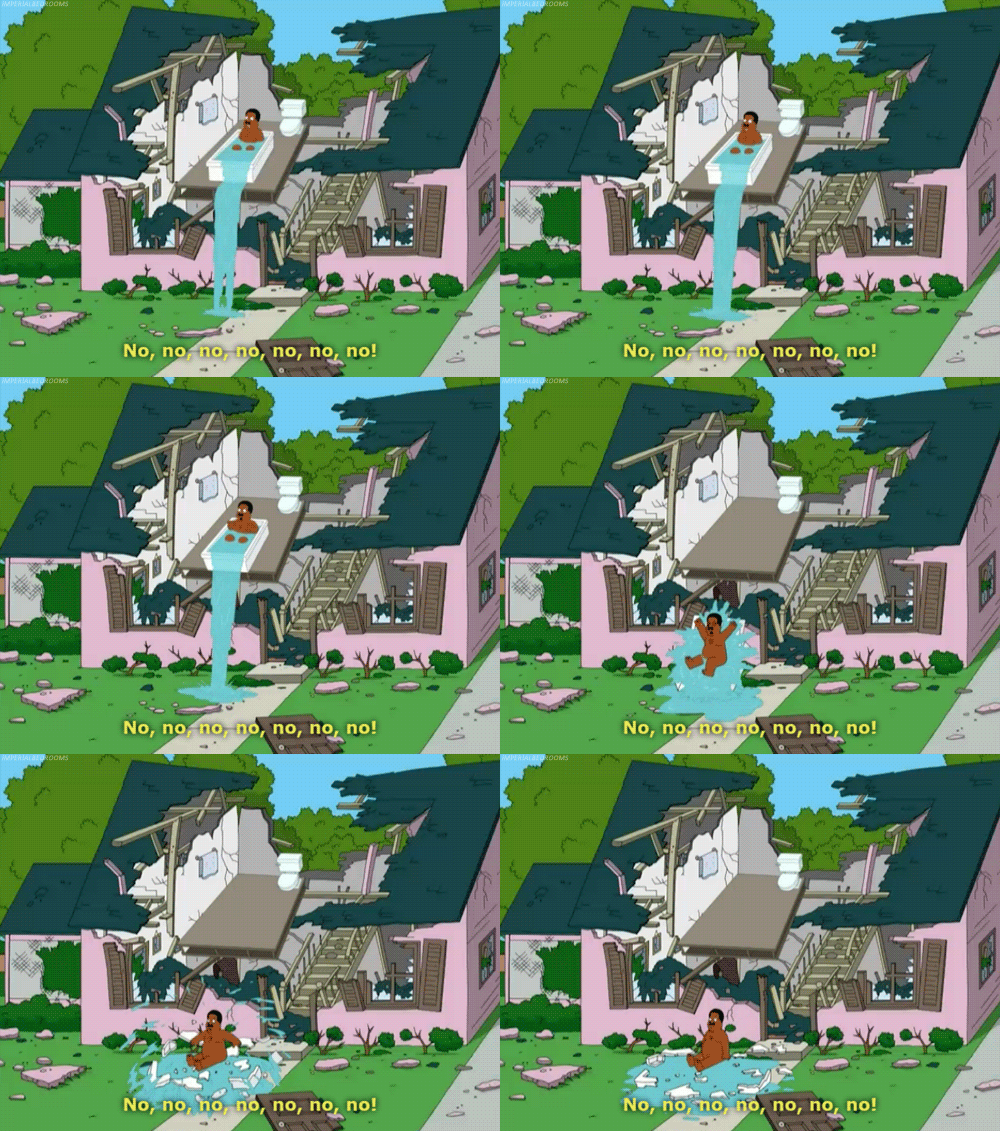
If we go by the logic in some media where the ghosts are bound to the house/property, they probably don’t want to be stuck somewhere that will eventually just dissolve in the rain.

Mine was just a board in an anti-static bag. As bare bone as you can get.
Yeah, I like it after figuring out how to get it in the right modes. Bought it for playing emulators but works great with Steam.
eBay (US) like a week ago. I got it for $125 but they were going for under $100 before I heard about them.
I don’t think you can buy them new anymore. All the stock I’m aware of are from decommissioned crypto-mining rigs and being sold secondhand.
I included an eBay search link in the Resources (https://www.ebay.com/sch/i.html?_nkw=bc-250) and just checked it. Looks like they jumped in price again and are $180+ now.
Assuming you’re in US or Canada, here’s the listing for the one I bought (same seller). It’s the least expensive at $165 with $16 shipping. Some listings include the SSD, so that may be why some cost more. Basically I think the cat is just out of the bag and now that people have found an easy way to repurpose these, demand and price is up.










Why are you posting it under their “litterbox” version that will die in at most 3 days?
This is just spreading link rot.